

How guardian alerts work when a child writes about distress
Children sometimes tell a chatbot what they have told no one else. Here is exactly what Navōn does in that moment: the answer the child sees, the email a guardian receives, and the limits we put on both.
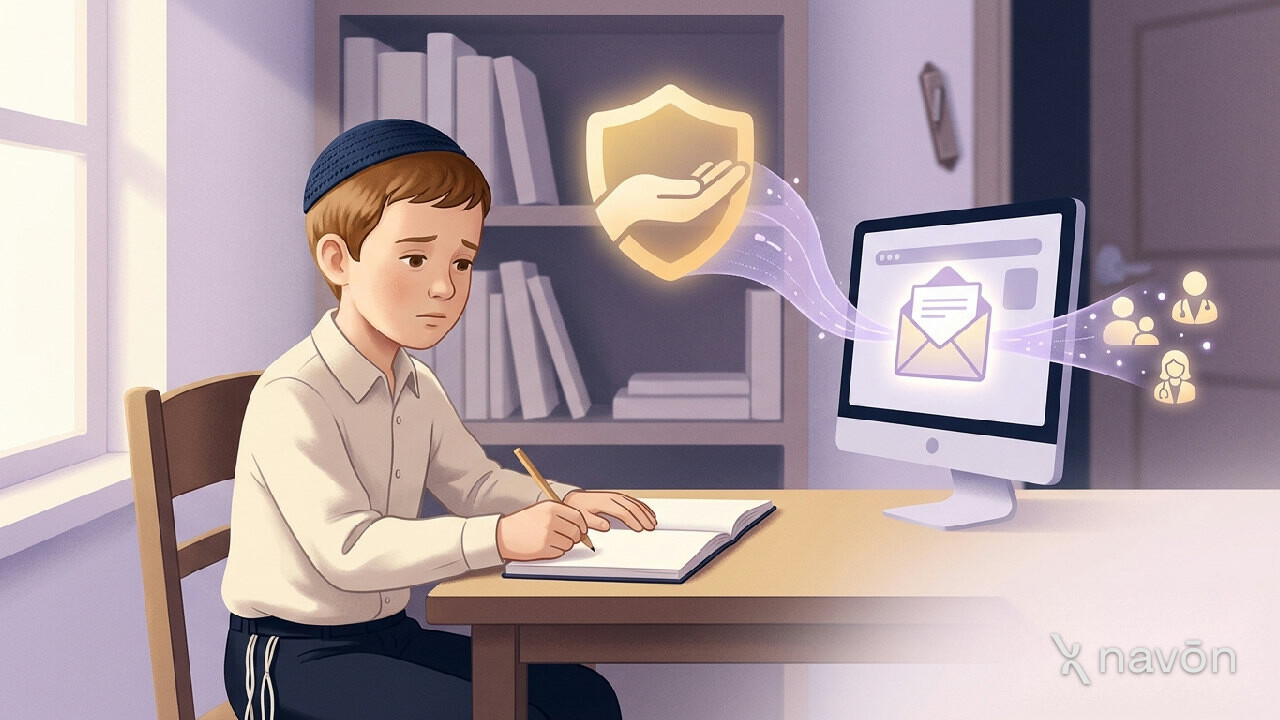
A child who is struggling will sometimes type it into a chat window before saying it to a person. The window does not judge, it is private, and it is there at midnight. That is a reason to be careful with children and AI, and it is also a reason a children's AI platform has to decide in advance what happens when it happens. This post describes what Navōn does, step by step, and where we deliberately stopped.
The first thing is the answer, not a refusal
Most of what Navōn's filter does is set limits: a topic is closed, a request is guided, a picture is declined. A child writing about being hurt, or about hurting themselves, is treated differently. Navōn recognises this kind of disclosure and sets the blocking rules aside, including a parent's blocked topics, so that the child receives a warm reply that points them toward an adult they trust. A refusal at that moment would teach a child that saying it was a mistake.
For the general behaviour when a request is declined, see what happens when Navōn refuses a request. A disclosure is the exception to that pattern, on purpose.
Then a guardian is told, within moments
Earlier versions of this safeguard stopped at the warm answer. The disclosure went into the moderation log and nobody was told. A parent who finds it a fortnight later while looking through history has not been given a safety net. So when the filter confirms a disclosure, Navōn emails the people responsible for that child straight away, not in a weekly summary.
Who counts as responsible depends on how the account was set up:
- A parent or guardian linked to the child's account in the Family Hub is emailed, provided the alert switch for that child is on. It is on by default.
- If the child is a student seated by a school, the school's administrators are emailed as well, once each. Students seated by a school often have no parent linked in Navōn at all, and without this the alert would have gone to nobody.
- The addresses are read from the account records, not supplied by whatever triggered the alert, so the alert cannot be pointed at an arbitrary address.
What the email says, and what it leaves out
The email is written to be read on a phone at night by someone who is about to be frightened. The subject line is "Please check in with" and the child's name. The first paragraph says what happened. Below it is a short fragment of what the child wrote, up to 140 characters, so that the parent can tell it is real. Then it says two plain things: go and sit with them and ask how they are, and if you think they may be in danger, contact your local emergency number. It adds that a doctor, their school or a rov you trust can help work out what comes next.
Three omissions are deliberate.
- Only a fragment. The full text of what a child wrote is the most private thing in their account, and it stays in the moderation record behind its own access rules. The alert points to that record rather than becoming a second, easier-to-stumble-across copy.
- No diagnosis. The email says what was typed and that it is worth going to find them. It does not tell a parent what the child means. Navōn is a computer program and can be wrong, and the email says so.
- No urgency theatre. No dashboards, scores or alarm language. A calm message is more likely to be followed by a calm conversation.
The child is not told that an email went out
There is no message on the child's screen saying a parent was notified. That choice is uncomfortable to some people, and we made it knowingly. A child who learns that an alert fires also learns what not to type next time, and the whole value of the safeguard depends on the child having said it at all. The reply they see is the warm one, pointing them at a trusted adult. The email goes to the adult separately.
One alert per child per hour
A child having a bad evening may write several messages in a few minutes. Five identical emails is how a parent learns to ignore the sixth. Alerts are limited to one per child per hour, whichever guardian they went to. The conversation itself continues to get the same careful reply each time.
A record that doesn't depend on the email
Email is a fragile channel. It can land in spam, go to an address that was changed months ago, or be read in a car park and half forgotten. So every alert is also saved as a record that the guardian can open in the Family Hub, with the time, the fragment, and whether the email was delivered. If delivery failed, the page says so and suggests checking the address on the account, because that is the case where a parent was never warned at all. Alerts can be marked as seen. When nothing has been flagged, the panel says so plainly rather than sitting empty, so "I see nothing" and "nothing has happened" can be told apart.
Turning it off, and why we'd suggest not to
Each child has a switch called "Email me straight away" in the Family Hub. A family can turn it off deliberately, and the email itself says so, while gently suggesting that it stays on. We would rather a family decide with the facts in front of them than discover the feature, or its absence, in the worst week of the year.
What this does not do
It is a safety net, not a substitute for a parent, a teacher or a rav. Recognising a disclosure is done by software, so it will sometimes miss one and will sometimes raise one that was nothing. It cannot assess risk and it does not try. It does not contact emergency services. Its job is narrow: make sure the child gets a kind answer in the next minute, and that an adult who can actually help hears about it tonight. For the wider picture of what to check in any children's AI product, see safe AI for kids: what parents should check.
Common questions
Will my child know I was emailed?
No. Navōn gives the child a warm reply that points them to a trusted adult, and shows no message saying an email was sent. The reason is that a child who knows an alert fires may stop writing about it.
Does the alert email show everything my child wrote?
No. It shows a short fragment of up to 140 characters, enough to recognise that it is real. The full text stays in the moderation record behind its own access rules.
Can I turn off distress alerts for my child?
Yes. Each child has an "Email me straight away" switch in the Family Hub. It is on by default, and Navōn suggests leaving it on.
What if the alert email never reaches me?
Every alert is also saved in the Family Hub, with a note if the email could not be delivered, so you have a record even if the message went to spam or an old address.
Published by Navōn. How these guides are written and checked.
Read next
- What happens when Navōn refuses a request, and why it answers in the conversation
When Navōn declines a question, the refusal appears as a reply in the chat, worded for the reader's age. Here is what is checked, what you see, and what to do next.
- Safe AI for kids: what a parent should actually check
Age ratings and marketing language tell you very little. Six checks a parent can make in ten minutes before letting a child use an AI tool.
- When something gets through the filter
No content filter catches everything. A calm, practical response plan for the moment a school discovers something reached a student.